ChildPlus Reports Do Not Match Data From CLASS®
CLASS® Reports:
5610 Pre-K CLASS® Observations List
5620 Pre-K CLASS® Score Chart
5630 Pre-K CLASS® Average Score Charts
5633 Pre-K CLASS® Attachment Listings
If you have run one of the CLASS® reports, and believe some of the scores you have entered into ChildPlus are missing from the report, double check that the CLASS® scores you entered are added to the correct program year. If the wrong program year has been selected. The CLASS® score will not appear in the correct ChildPlus report.
When entering the CLASS scores, it is imperative that scorers select the correct program year.
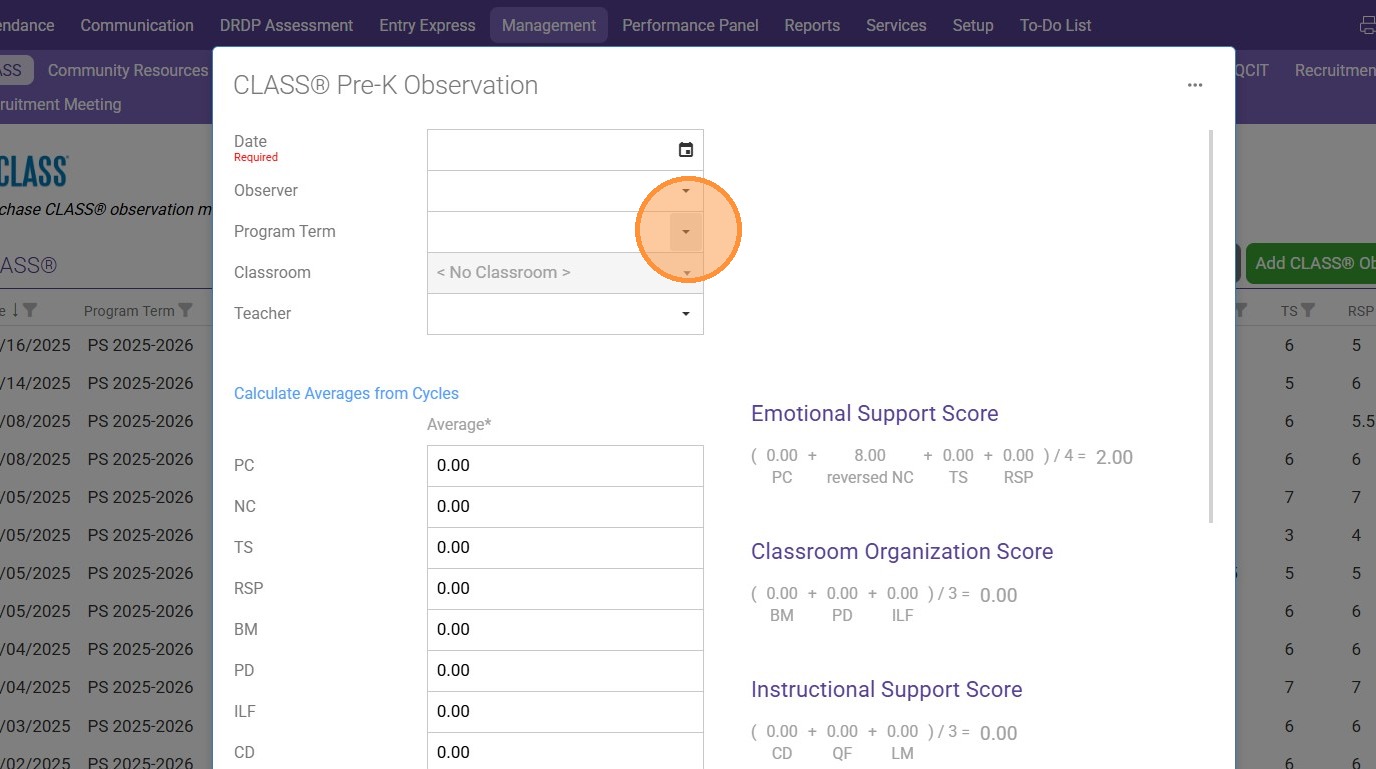
How to Select PROGRAM TERM when adding a CLASS Observation Score
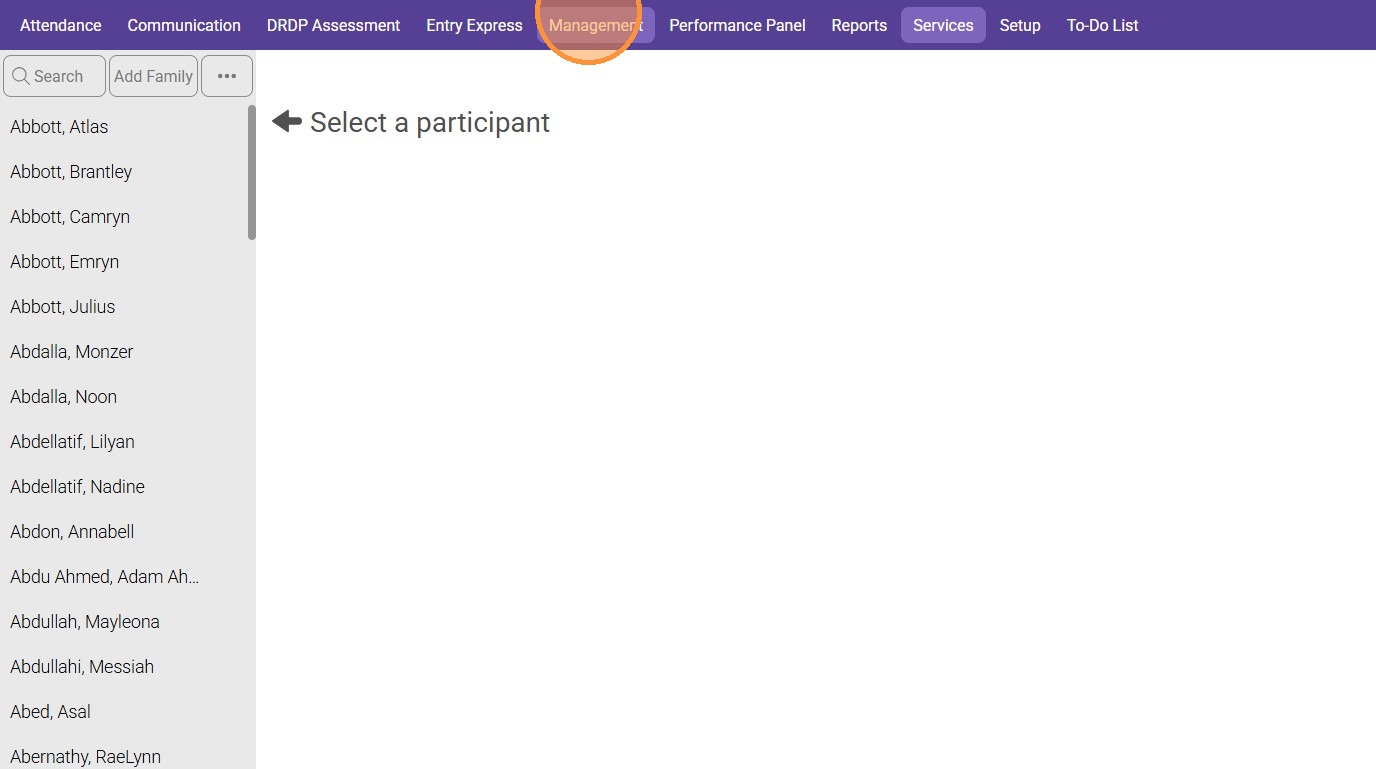
1. In ChildPlus Online, click the "Management" module
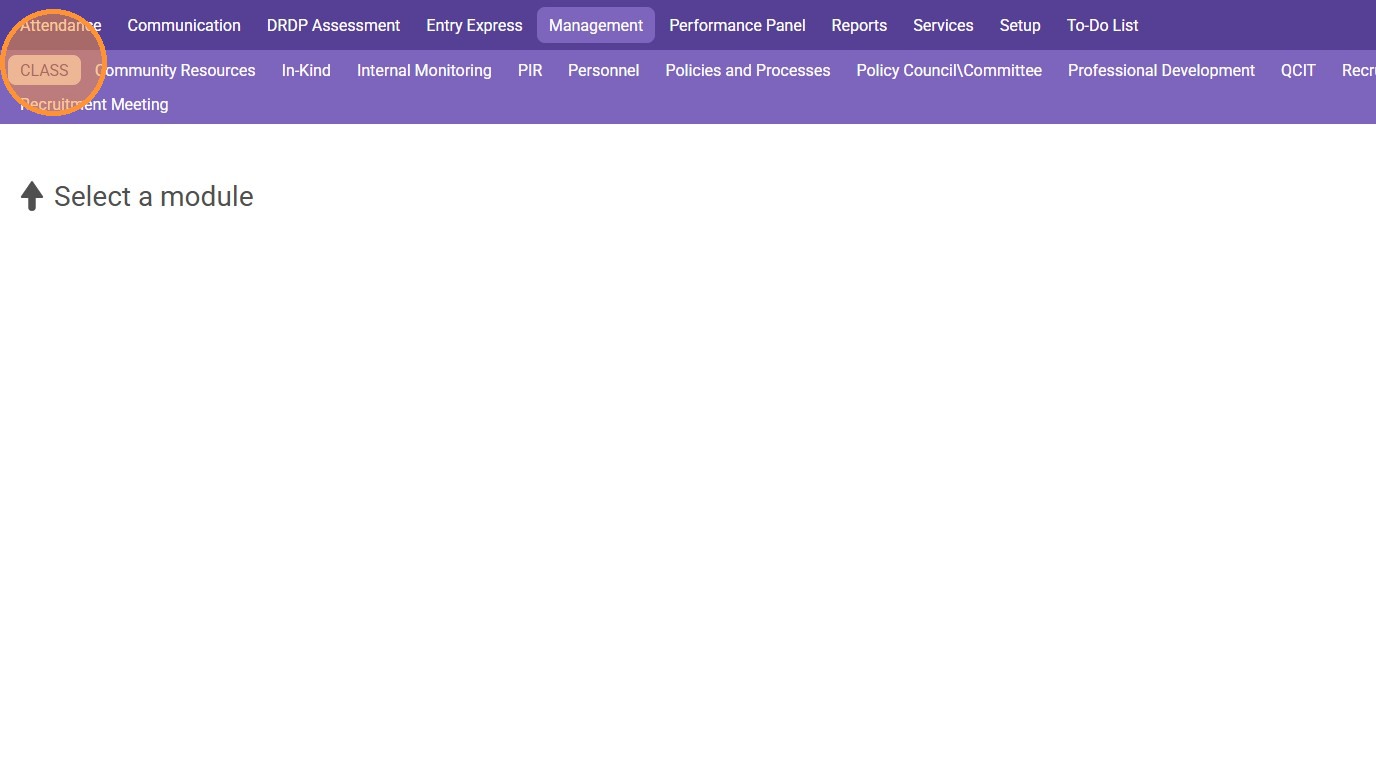
2. Click the "CLASS" tab
3. Click "Add CLASS® Observation"
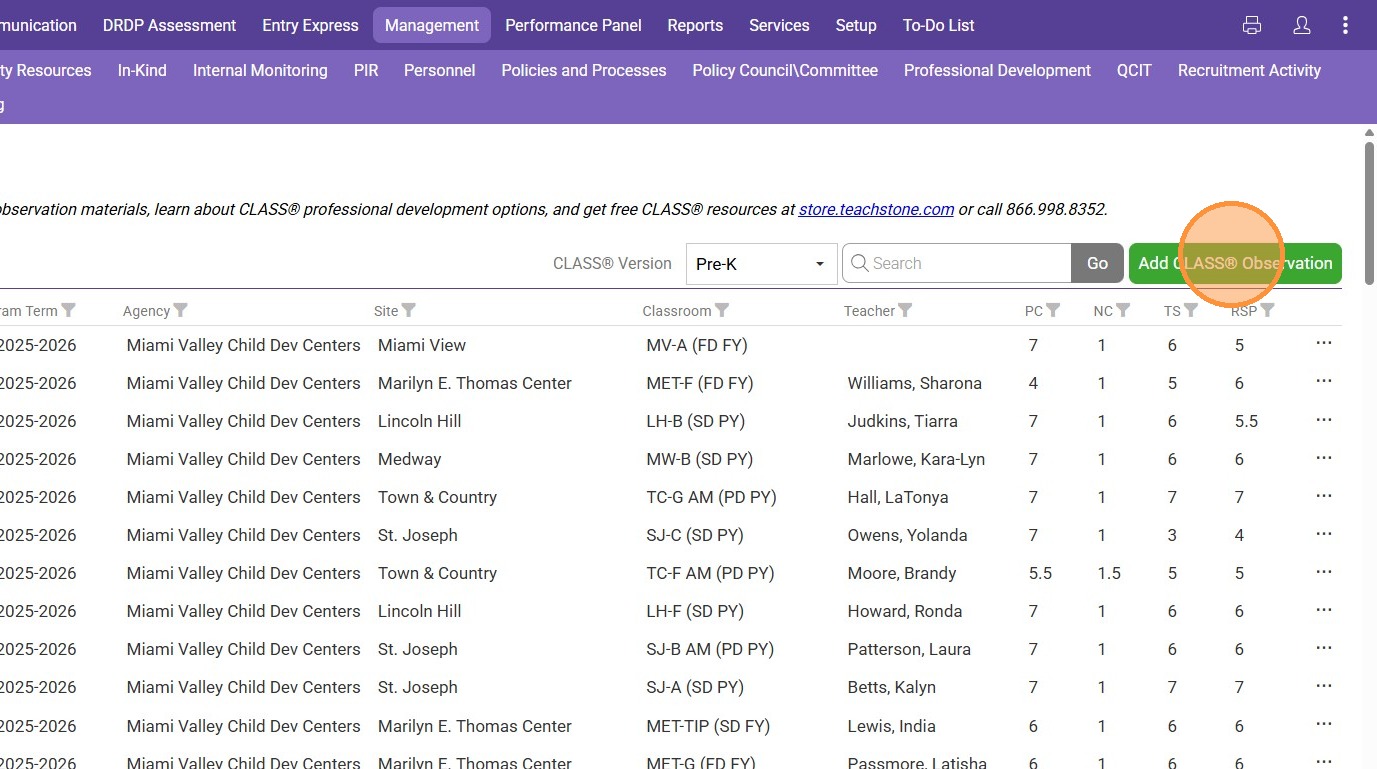
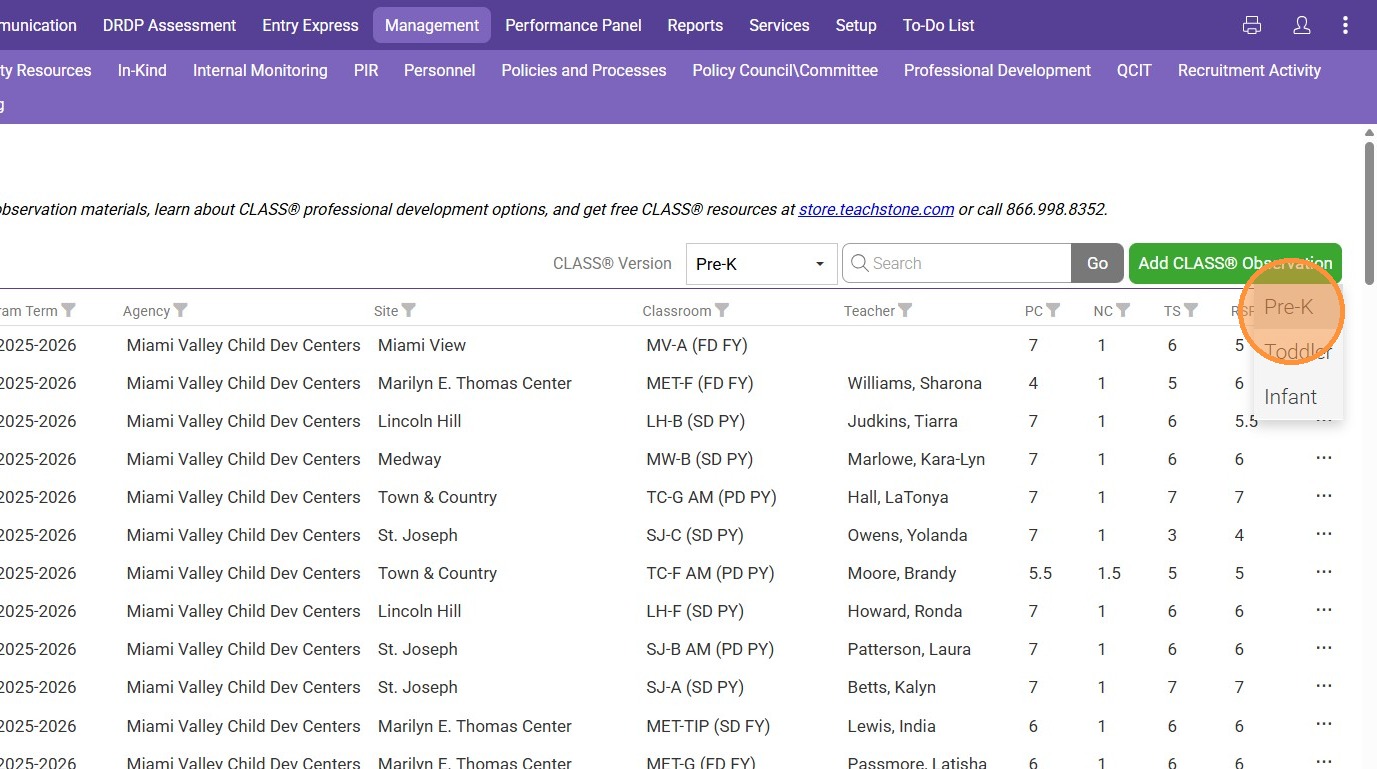
4. Select an Observation Type (Pre-K, Toddler, or Infant)
5. Select the correct "Program Term" for the score you are entering into ChildPlus